Example — basic review
"Great service. Highly recommend."
It's positive. But it doesn't tell the next customer very much.
For handymen & local trades
People are starting to ask tools like ChatGPT and Gemini questions such as:
"Who's a good handyman near me?"
When someone is trying to work out who to hire, it helps when there's clear information online about the jobs you do, the areas you work in and what real customers say about dealing with you.
That's why a useful review can be worth more than another "Great job. Highly recommend."
iBuildReviews makes it easier for your customers to leave genuine Google reviews with useful detail about their real experience — without making you chase every customer or asking them to write everything from scratch.
Try it with real customers for 30 days. If it isn't useful, don't subscribe.
"Turned up on time, fixed it properly, and cleaned up before he left."
Example for illustration only
Local area
Real job details
You turn up.
You do the job.
The customer is happy.
Then everyone moves on.
Sometimes you forget to ask for a review.
Sometimes the customer says they'll do it later.
And sometimes they click through to Google, stare at the empty review box and aren't really sure what to say.
So another good job disappears without ever becoming a useful review.
iBuildReviews makes the review part easier — for you and your customer.
Usually
There's nothing wrong with this:
Example — basic review
"Great service. Highly recommend."
It's positive. But it doesn't tell the next customer very much.
Example — more useful review
"Had a leaking laundry tap and a sagging back gate at our place in Ashgrove. Arrived when he said he would, explained what needed replacing, and both jobs were sorted in one visit. Tidied up before he left and the gate finally closes properly."
That gives the next customer a much clearer picture of the work you actually do.
And as search changes, that useful context matters for another reason too.
Examples shown for illustration only — not real customer reviews.
People still use Google and Google Maps.
But they're also starting to ask AI tools questions in normal language.
These tools have to make sense of the information they can find about local businesses.
Genuine reviews can help build that picture.
A generic "Great job" gives very little context.
Useful reviews give them a lot more to work with.
That's why iBuildReviews focuses on useful reviews, not just more stars.
The kind of question people now type
"Who's a reliable handyman around North Lakes?"
"Who can fix doors and do small repairs near me?"
"Can you recommend someone for odd jobs around the house?"
No service can guarantee that ChatGPT, Gemini, Google or another platform will recommend a particular business. Reviews are only one part of your overall online presence.
But if you're already going to ask customers for Google reviews, it makes sense to help them leave reviews that are actually useful.
Five steps
Every business gets its own iBuildReviews Direct Review Link and reusable QR code. Put it on a review card, invoice, email, receipt or anywhere else you already communicate with customers. Or simply hand them the review card when you finish the job.
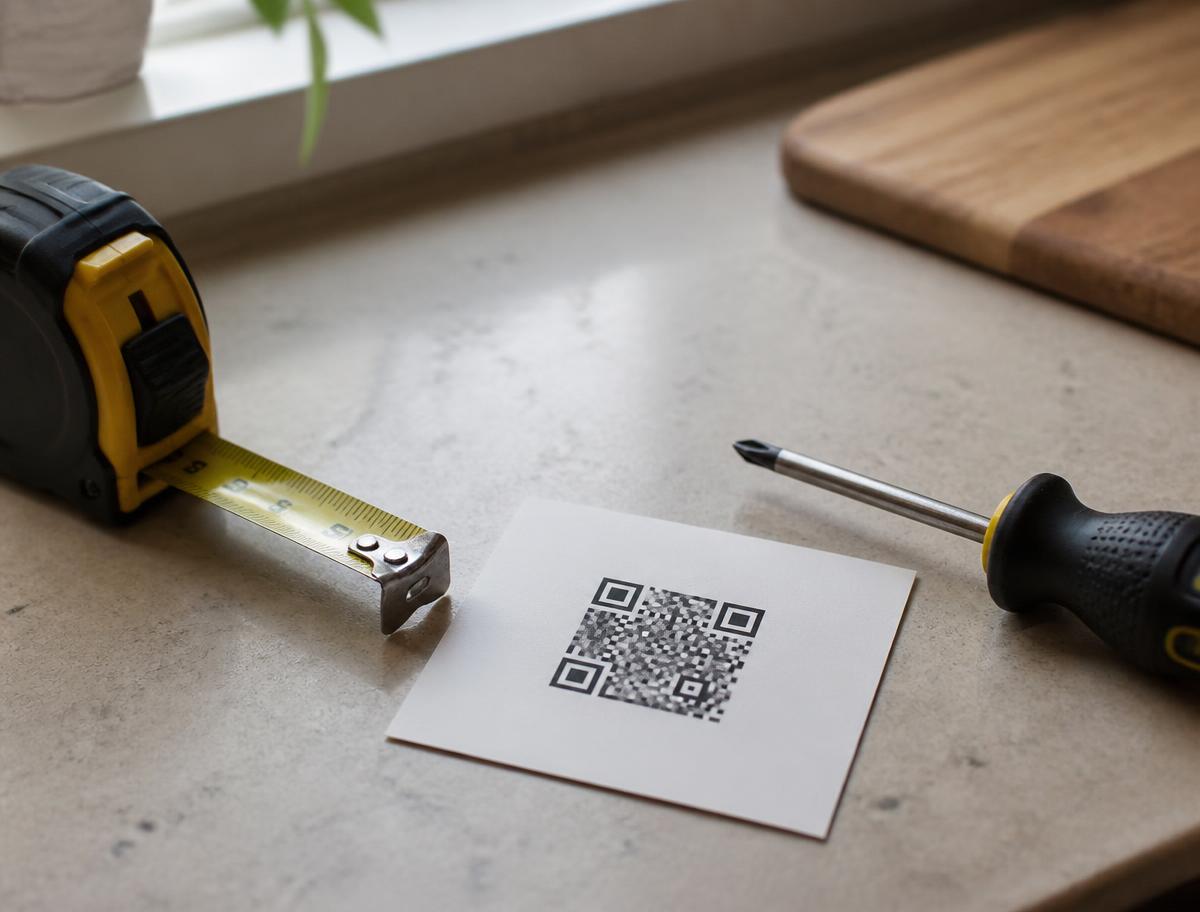
Instead of dropping them straight into an empty Google review box, iBuildReviews gives them a little guidance first. The questions help them think about their genuine experience and the work you completed. No staring at a blank box wondering what to write.
Question 1 of 4
What work did we do for you?
Their answers help create a clear review draft based on what they have said. The customer can read it, edit it, remove anything they don't like, or change it completely.
Your review draft
When they're happy with what they've written, they can copy their review and continue to your Google review page. They decide whether to post it.
You choose what to post and when.
Not every customer leaves the review while you're standing there. That's normal. You can also add customers to iBuildReviews and let the system send review requests gradually, rather than trying to remember who you've asked and who you haven't.
Nothing is posted automatically.
The customer stays in control from start to finish.
30 days free. No credit card required.
Good. Keep using it.
iBuildReviews isn't designed to replace the systems you're already using.
No complicated integration required.
Every business gets a Direct Review Link and reusable QR code.
If the system you already use can include a normal web link, you can use iBuildReviews with it.
Already email invoices?
Add your review link.
Use a CRM?
Save the link in your follow-up message.
Send receipts or job-completion emails?
Include it there.
Prefer asking face-to-face?
Give the customer your QR review card when the job is finished.
Use iBuildReviews with the way you already run your business.
You don't need to rebuild your workflow around another piece of software.
You don't have to wait for your next job.
Most trades have customers they meant to ask for a review but never got around to contacting.
Add those customers to iBuildReviews and let review requests go out gradually.
Then use your Direct Review Link or QR card for new jobs going forward.
Without sitting down one afternoon and messaging everyone yourself.
Add past customers and let iBuildReviews follow them up gradually.
Use your Direct Review Link or QR review card after new jobs.
Catch up on missed reviews and make asking part of future jobs.
We're not trying to become another giant reputation management platform.
You probably don't need another massive piece of software with dozens of features you'll never use.
iBuildReviews has a much simpler job:
Make it easier to ask for Google reviews — and easier for genuine customers to leave useful ones.
That's it.
A simple tool for getting more value from the good work you're already doing.
The customer provides the experience, controls the wording and decides whether to post the review.
The aim is simply to make it easier for a real customer to describe their real experience.
After the customer continues to Google, you can also ask whether they're happy for their feedback to be used as a testimonial.
If they say yes, you have customer-approved feedback you may be able to use on your:
If they don't want to, they simply say no.
Nothing is assumed.
Nothing is automatically published.
Happy for us to use your feedback as a testimonial?
Permission is optional and always the customer's choice.
You don't need a new marketing system.
You don't need to become an expert in AI.
You don't need to chase every customer manually.
Set it up. Use the link or QR card. Get back to work.
The easiest way to find out whether iBuildReviews is useful isn't another demo. Use it.
Give your review card to customers.
Put your Direct Review Link into the emails or invoices you already send.
Add a few past customers you never got around to asking.
Then see what happens.
30 days free
No credit card required
US$49/year if you decide to continue
Launch pricing is limited to the first 25 businesses.
Your US$49/year rate stays in place while your subscription remains continuously active.
If it isn't useful, don't subscribe.
You've already done the hard part.
You did the job.
iBuildReviews makes the next part easier.
30 days free · No credit card required
Launch price: US$49/year for the first 25 businesses.